Chat Overview
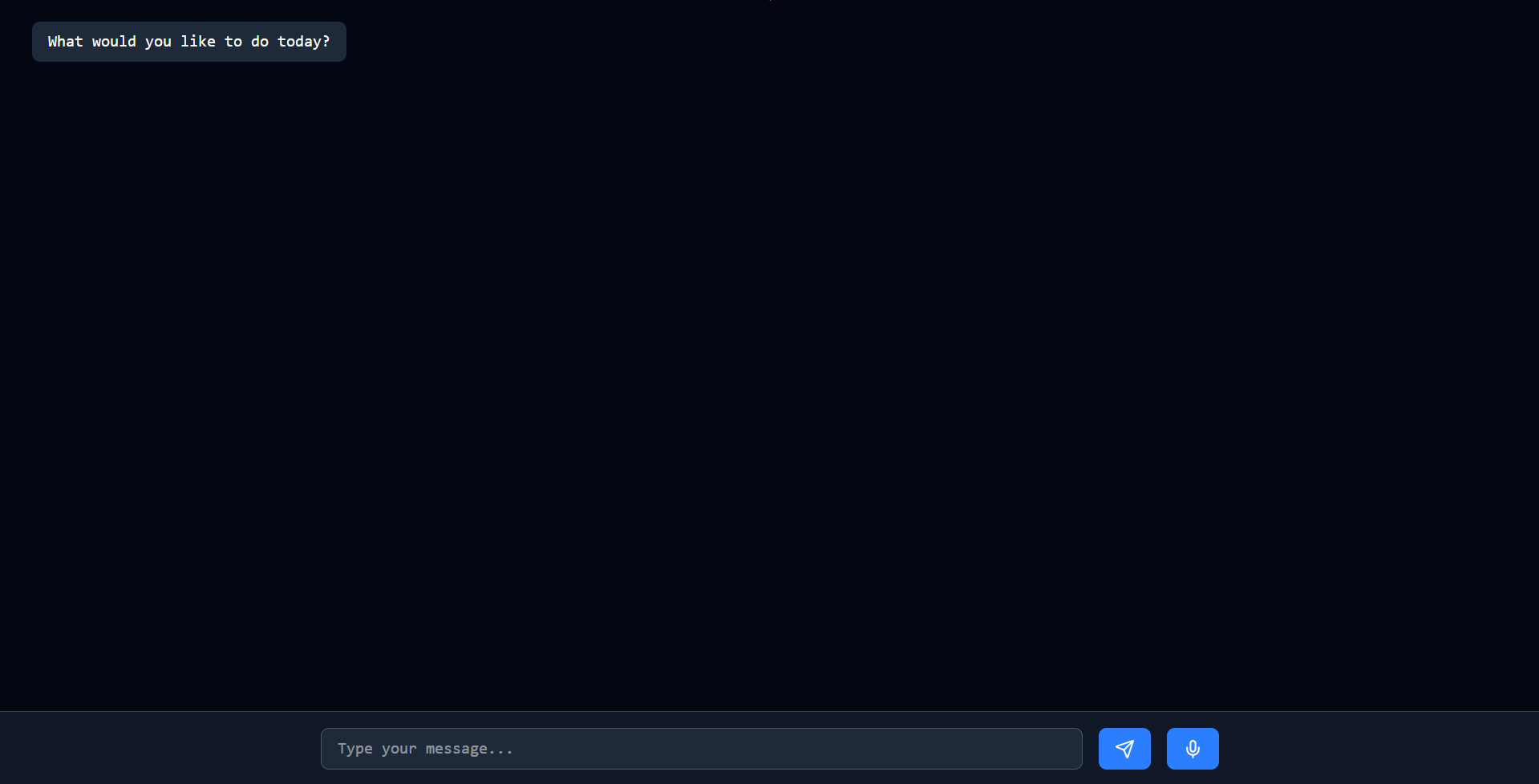
The Chat page is where Holltask connects to an OpenAI model in real time. When you open this page, it spins up a live connection to an AI assistant that can actually interact with your Holltask data.
What Chat Can Do
You can talk to this assistant in real time using your voice, or just type back and forth like a normal chat—whichever feels more natural in the moment.
This assistant isn't just for answering questions—it can view, create, and update different parts of your Holltask account, like:
- Todos
- Food entries
- Day ratings
- Other tracked data (as I keep wiring things up)
I'm still actively working on this feature and don't use it a ton yet, but it's already useful for a few specific workflows.
A Practical Example: Logging Food Quickly
One of my favorite use cases is logging food when you don't feel like entering all the details yourself. If you ate something and want it recorded, but don't know (or don't want to look up) the macros, you can just tell the assistant what you ate and ask it to:
- Guess the macros (protein, carbs, fats, calories)
- Create a food entry for you in Holltask with those estimated values
It's not meant to be perfectly accurate nutrition tracking, but it's a lot better than logging nothing at all. You at least get something recorded, which helps keep your day roughly on track.
Future Direction
Over time, I’d like this Chat page to become a real command center for Holltask—where you can say what you want in plain language and have the AI update todos, log food, rate your day, and more without you needing to click around the UI.
For now, think of it as an experimental power‑user feature: it works, it can already help with things like quick food logging, and it's going to get smarter and more capable as I keep building it out.